

macOS · graphics tablet
The control layer your design tools don't own.
A systemwide pen stabilizer for macOS: smoothing, pressure curves, rulers, perspective, grid and composition guides, in every app that takes a pen, with no setup per app.
What is Hej Stylus?
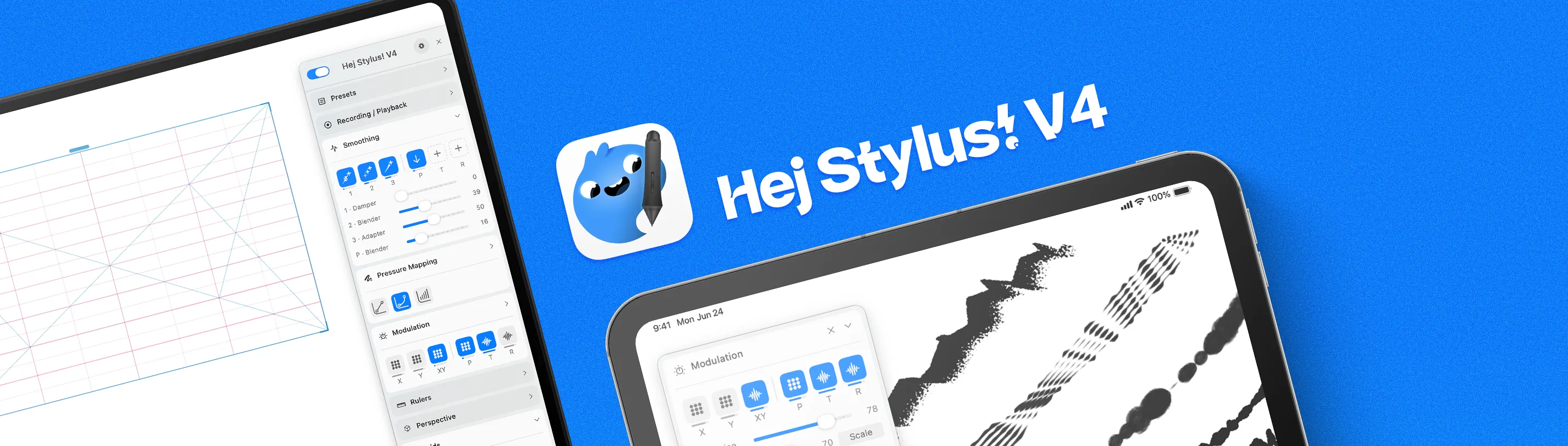
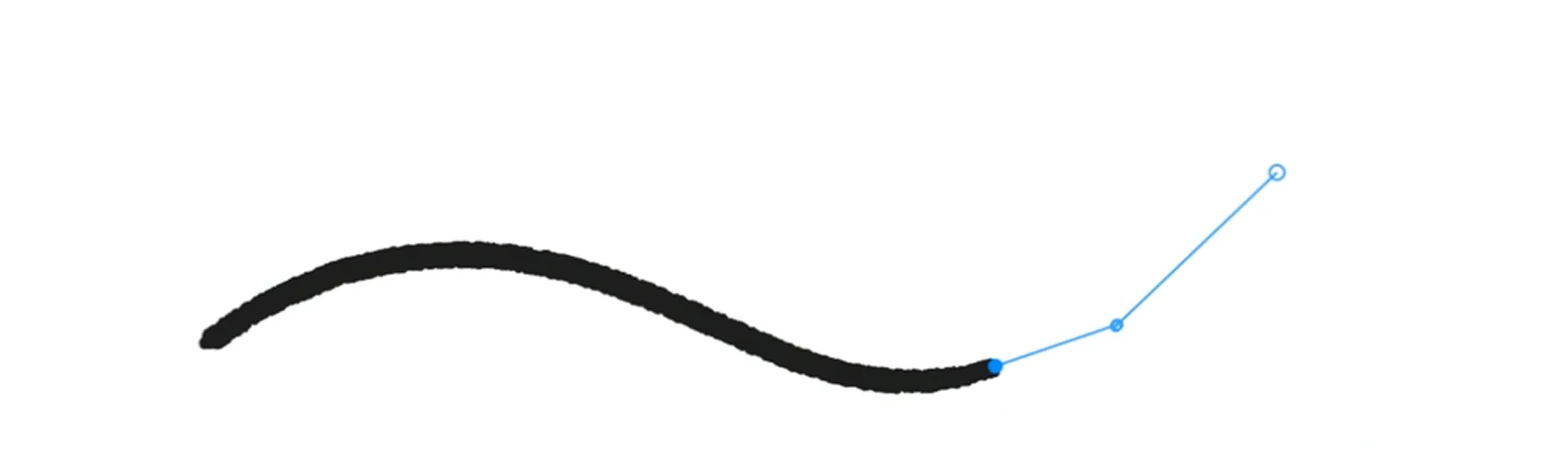
Hej Stylus! is a systemwide pen stabilizer for macOS that smoothes your stylus input across every app that takes a pen, with no per-app setup. It smoothes position, pressure, tilt and rotation in real time through six smoothing slots, adds pressure curve mapping (linear, bezier, draw), six ruler tools, five perspective modes, a configurable grid and twenty-four composition guides. It runs as a menubar agent with a dockable interface and a click-through overlay, so nothing is written into your document. Pressure features need a pressure-sensitive pen on a graphics tablet. One-time purchase for €30, with a free 14-day trial. Always free basic smoothing. macOS only.
Features
The Features
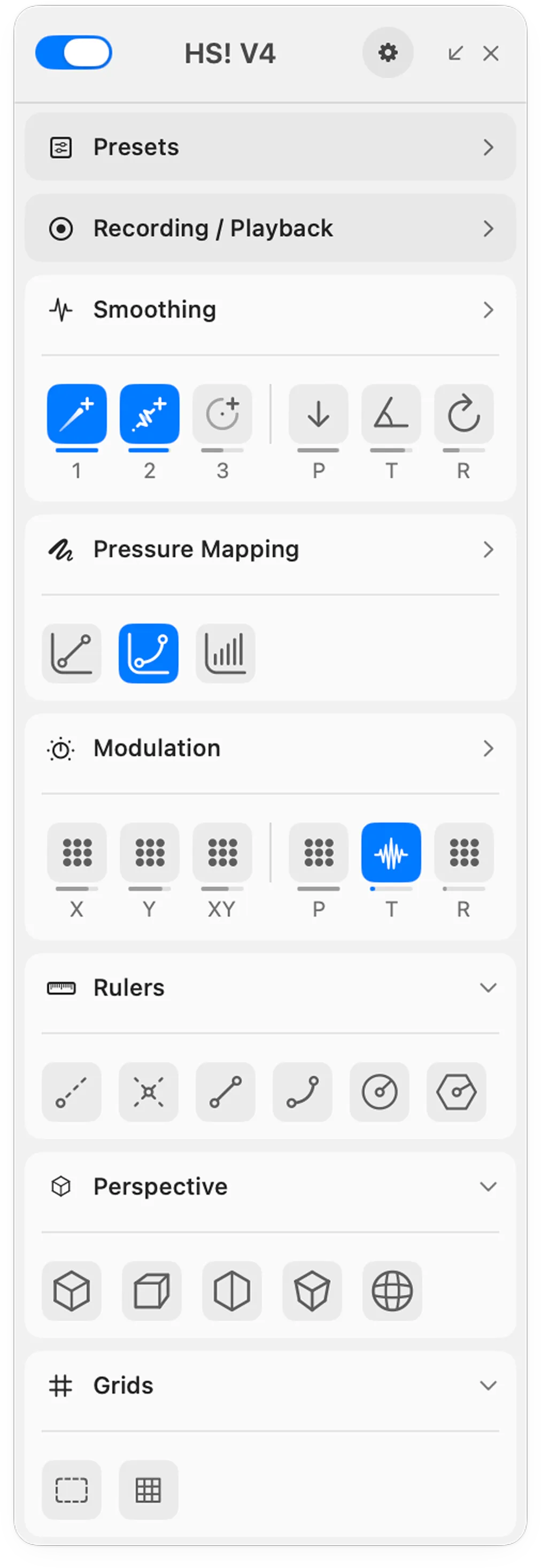
- Presets: save your whole setup, smoothing, pressure curve, grid, guides and modulation, and recall it later.
- Recording / Playback: capture a whole session or a single stroke, then play it back.
- Smoothing: six slots in one row: three for position, one each for pressure, tilt and rotation, with ten filters across four channels.
- Pressure Mapping: three curve modes: linear, bezier and freehand draw.
- Modulation: noise and grain on position, pressure, tilt and rotation.
- Rulers: six tools: Instant, Vanishing Point, Linear, Bezier, Circular and Form.
- Perspective: five modes: Precise Angles and 1, 2, 3 and 4-Point, the 4-Point fully parametric.
- Grids: a configurable grid, fixed pixel size or divisions with sub-grids, plus twenty-four composition guides in five groups.
Assignable keyboard shortcuts round out the toolset. Got a feature idea? Leave us a suggestion here.
Artists about Hej Stylus!
Loved by illustrators

As someone who can't consistently draw a smooth curve, I am forever grateful that Eilert created Hej Stylus. I can now actually focus on the work rather than my terrible curves!
Hej Stylus is so ingrained into my process that I use it for every piece I make. I dread the day the power goes out and I am sent back into the dark ages when my lines were shaky.
Using Hej Stylus improved the quality of my digital work with 20% and my production speed with 30%.
Hej Stylus! is the Swiss army knife of digital illustration tools. It's like having a magical ruler that can create any curve or organic shape the moment you imagine it.
Hej Stylus! is a thousand times better than the "Smoothing" slider in Photoshop. Period.

Hej Stylus! is my trusty sidekick when diving into any illustration or written typography work. The fine-control you have over the pen is amazing.
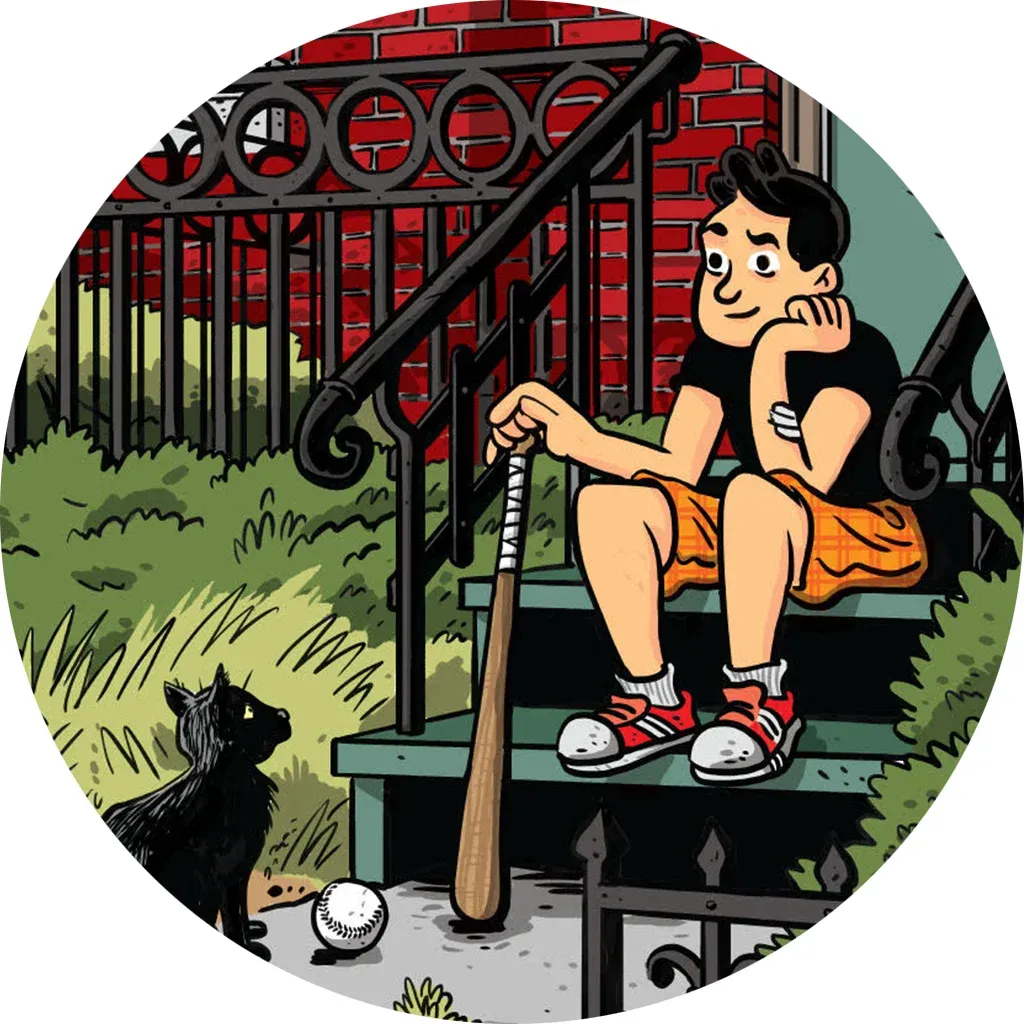
Hej Stylus! has made a huge difference in my workflow, allowing me to get clean but still natural-looking lines in my comics and illustrations.

Hej Stylus! has been especially useful for me when I'm cleaning up rough animation! It makes drawing smooth lines a dream and I no longer struggle to get that perfect line!
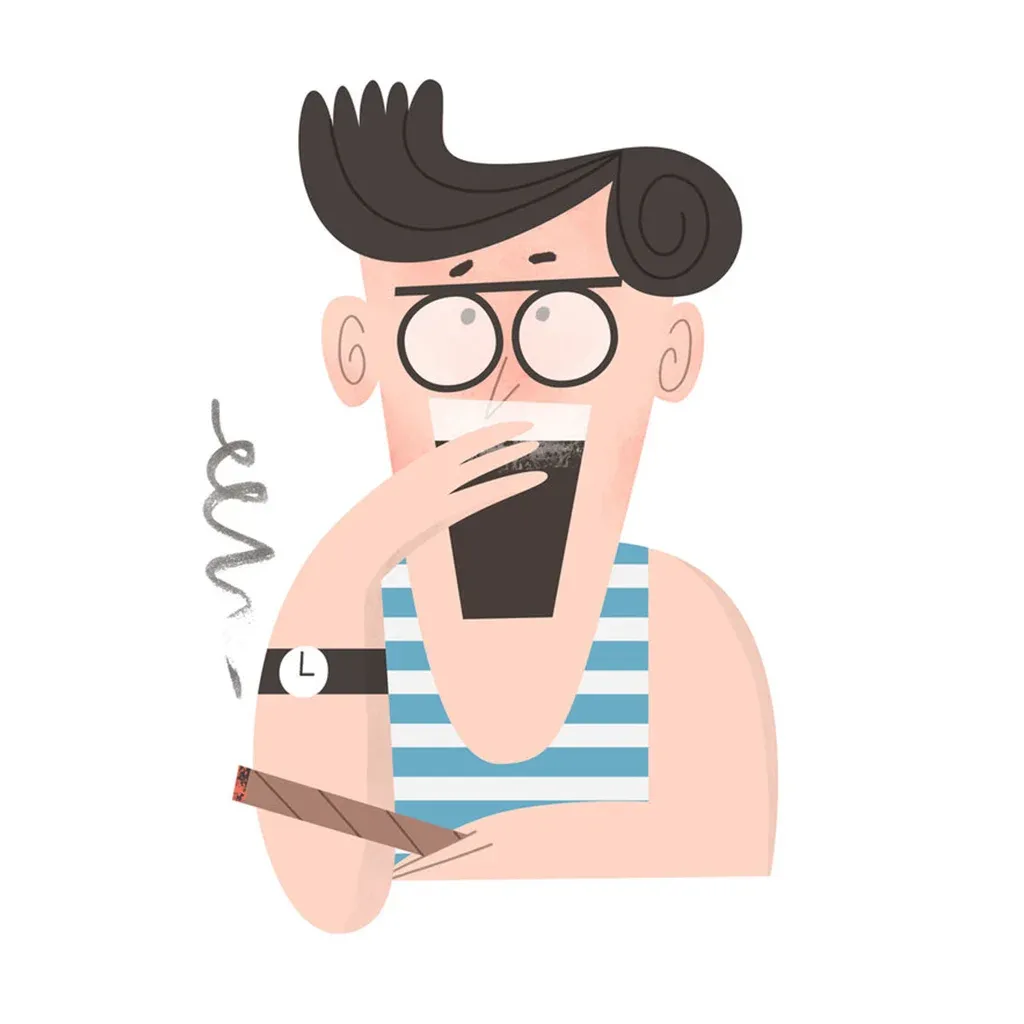
HejStylus has been a huge reason I felt confident about choosing digital brushes vs. physical media for my linework.

You remember when you were a small child and your mum (or dad) held your hand while you pulled a line, to help you make it nice and smooth? That's what Hej Stylus feels like.
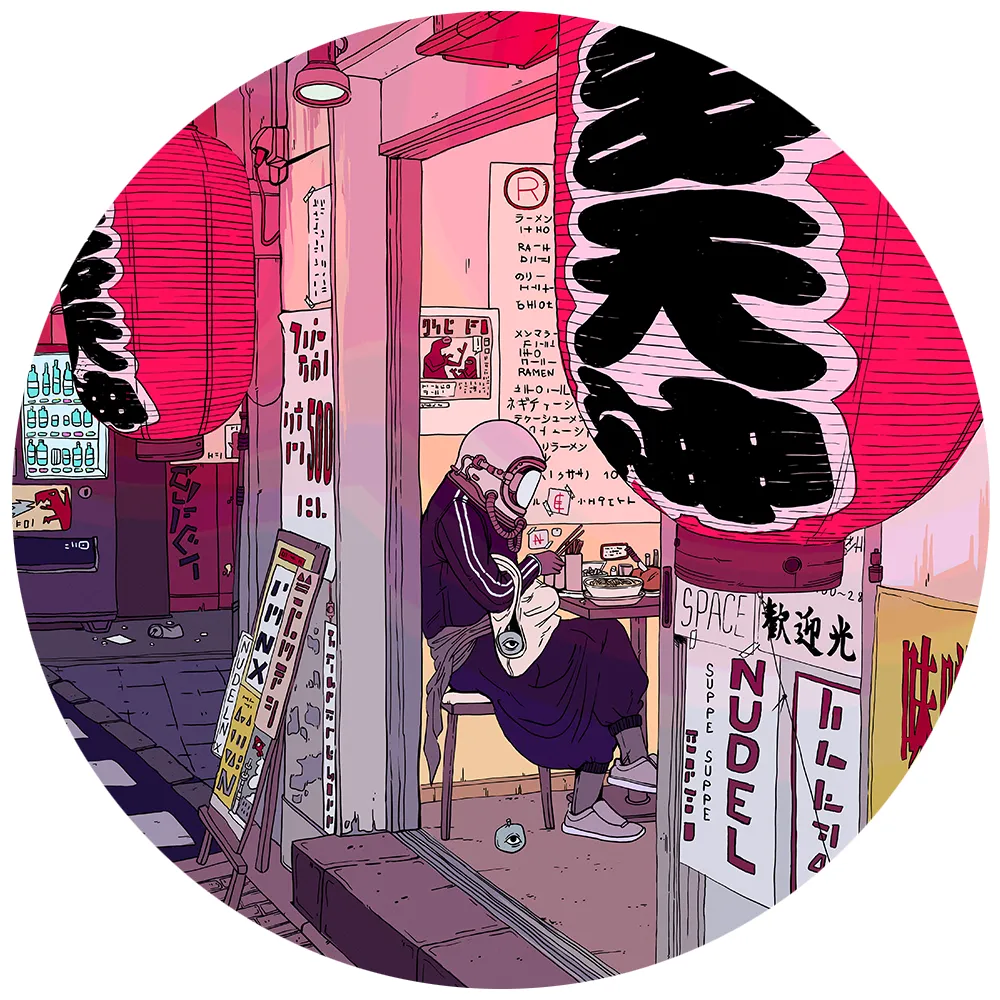
I love Hej Stylus because it allows me to digitally draw the clean and delicate lines that are essential for adding all the small details into my work.
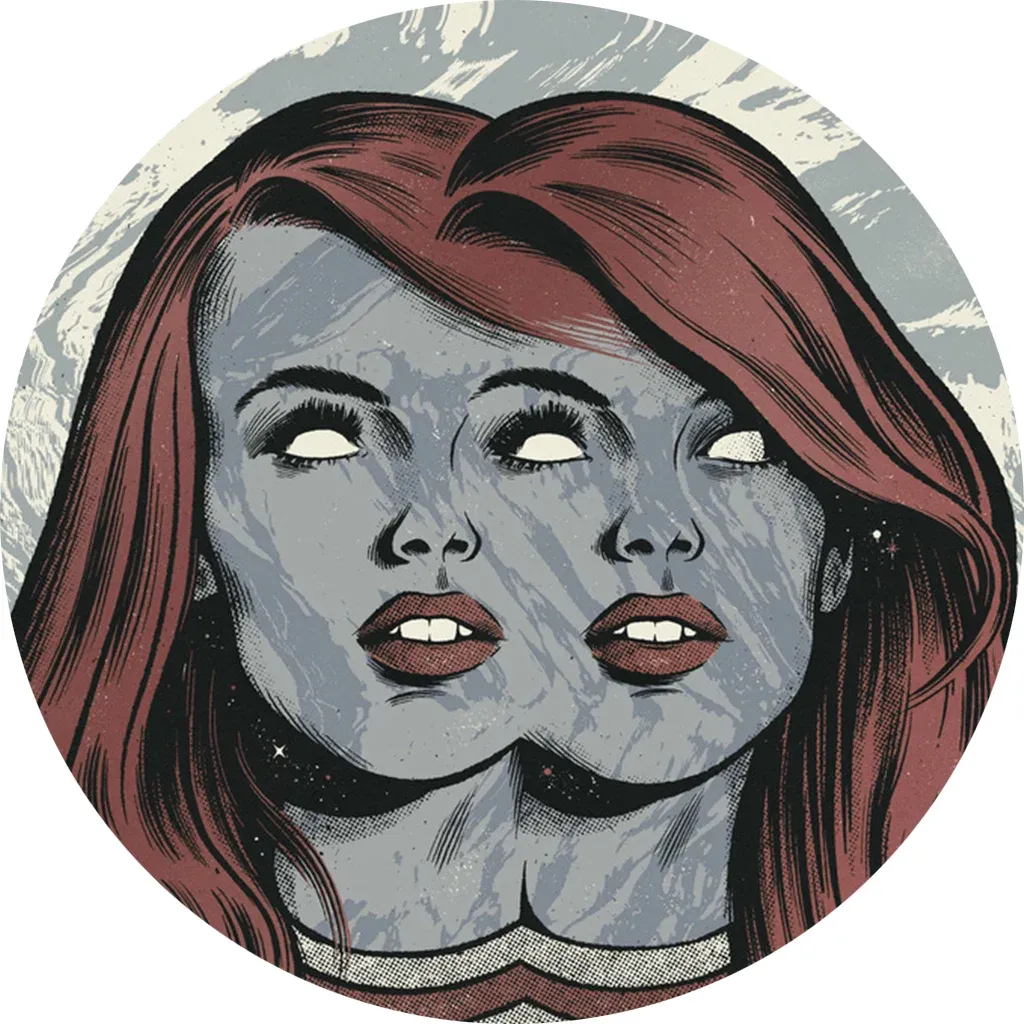
Hej Stylus! was such a game changer for my work and allowed me to dramatically speed up my process by reducing the amount of strokes I would redraw or clean up
Hej Stylus! is a life-saver for anyone struggling with doing beautiful linework and curves with digital tools!
FAQ
Frequently asked questions
Does Hej Stylus work with Wacom Intuos and Cintiq?
Yes. Hej Stylus! works with every graphics tablet that is recognized by macOS, including all Wacom Intuos, Cintiq, Huion, and Apple Pencil via Sidecar.
Does it support Photoshop and Illustrator at the same time?
Yes. Hej Stylus! is a global, system-wide stabilizer. It runs in the background and applies smoothing to any application that accepts pen input: Photoshop, Illustrator, Clip Studio Paint, Affinity, and more. No per-app setup needed.
What is the difference between Hej Stylus V3 and V4?
V4 is a full rewrite with a new UI, improved smoothing algorithms, and new features like physics-based smoothing, pressure buffer, and an expanded perspective toolset. V3 licenses are not transferable: V4 is a separate product.
Do I need Hej Stylus if my tablet already has pressure curves?
Tablet drivers offer basic pressure remapping, but Hej Stylus goes further: it smoothes position, pressure, tilt, and rotation simultaneously, adds ruler and perspective tools, and works identically across all apps without per-app configuration.
Is Hej Stylus available for Windows?
No. Hej Stylus! is macOS only. There are no plans for a Windows version at this time.
How much does it cost?
Hej Stylus! costs €30 as a one-time purchase. There is no subscription. The basic position stabilizer is free forever, and a 14-day trial of all features is included.
Is there an educational discount?
Yes. Educators and educational institutions can request a free license by emailing hello@hejstylus.com.

Licensing
One price, everything
€30, one-time
The full app: all smoothing, pressure mapping, ruler and perspective tools. Try everything free for 14 days, and the basic stabilizer stays free forever.
Gumroad is the Merchant of Record: billing, support and returns.
Educators and educational institutions get Hej Stylus! for free: request an educational license.